

A sales deck that wins work once can keep winning it, but only if prospects actually sit through it.
Few will book a call to watch you click through a dozen slides.
A short video they can open between meetings has a much better chance.
The catch is that sales decks never sit still.
👋 Hey... Are you coming to our FREE Event: The 10X Your Freelancing Summit? Thousands are gathering virtually on August 25-27, 2026. Claim your FREE spot now.
Prices change, case studies get swapped and new offers replace old ones, so the tool you pick decides whether each update takes ten minutes or a full afternoon.
Key Takeaways
- Sales deck videos change often, so editability matters more than export quality.
- Screen recorders like Vidyard and Loom keep your own face and voice, plus some viewer tracking.
- AI platforms can narrate a deck without a recording session and translate it for other markets.
- PowerPoint’s built-in export is free and works offline, but it produces a fixed file.
- Test a few representative slides before converting a full deck with any tool.
What Makes a Sales Deck Video Different?
Training videos get watched because someone has to watch them.
Sales videos get watched only if they earn it in the first few seconds.
That changes what you need from a tool. Narration has to sound natural, the pitch should fit in a few minutes and you want some way of knowing whether the prospect actually watched.
Sales decks also go stale faster than almost any other deck.
A pricing slide or a client logo can change from one pitch to the next, which is why editing and re-rendering matter more here than export settings.
How We Chose These Tools
We looked only at tools that start from an existing deck rather than a blank timeline.
Each was assessed on what happens to slides on import, how narration is handled, whether the video can be updated without starting over and what it costs to begin.
Features and prices come from each vendor’s own pages or current published plan listings as of October 2026.
Plans change often, so confirm current terms before quoting a client.
Sales Deck Video Tools Compared
| Tool | Narration | Editable after export | Starting price | Best for |
|---|---|---|---|---|
| Synthesia | AI voices and avatars | Yes, text and shapes | Free to try | Updated and translated pitches |
| Vidyard | Your own recording | Light edits | Free plan | Tracked outreach |
| Loom | Your own recording | Light edits | Free Starter plan | Quick walkthroughs |
| Pitch Avatar | AI avatar | Yes | Free plan | Interactive pitches |
| Colossyan | AI avatars | Yes | From $19/month (annual) | Sales enablement |
| Elai.io | AI avatars | Yes | From $23/month (annual) | Slides plus demo |
| Canva | Your own recording | Within Canva | Free plan | Canva-built decks |
| SlideSpeak | AI voices, voice cloning | Limited | Free version | Fast narration |
| PowerPoint export | Your own recording | No | Included with license | One-off files |
The 9 Best Tools to Convert a Sales Deck Into a Video
1. Synthesia

Best for: sales decks that need regular updates, AI narration or other languages.
Synthesia’sPowerPoint to video converter imports text and shapes as editable elements, so a changed price or product name is a quick fix rather than a re-record.
The platform is used by more than 90% of the Fortune 100.
With editable imports turned on, narration is drafted from your speaker notes, or from the slide content when a slide has none. That helps with older pitch decks nobody ever annotated.
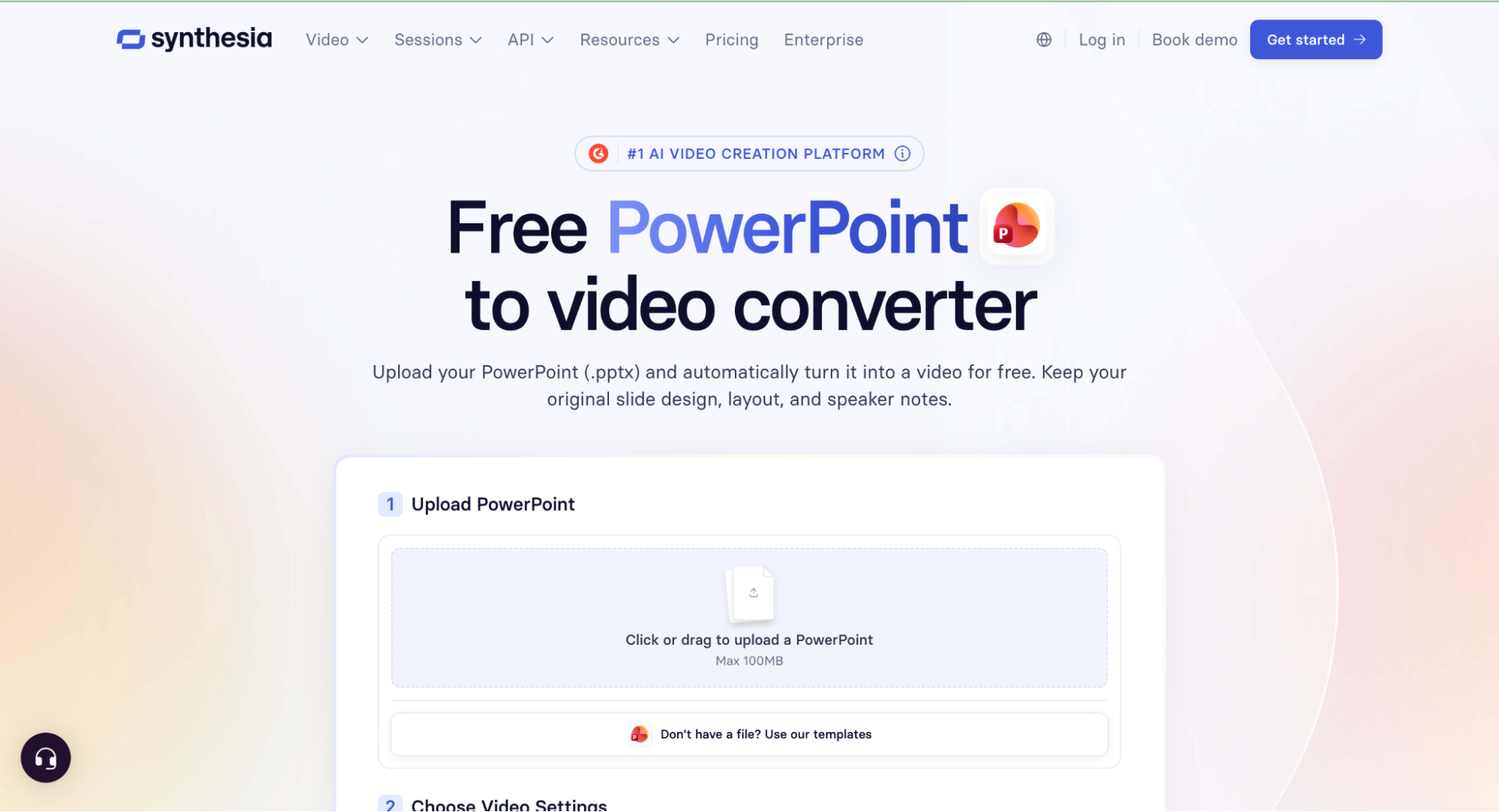
Decks of up to 150 slides can be imported, 4:3 slides resize to 16:9 automatically and you can pick from 240+ avatars and 1,000+ voices.
Translation into 140+ languages helps when one pitch has to reach several markets.
Tables arrive as motion graphics and animations are added in the editor rather than carried over.
Embed fonts first, since custom font uploads aren’t available on entry-level plans.
Pricing: free to try, with paid plans for more generation and features.
2. Vidyard
Best for: freelancers who present the deck themselves and want to know who watched.
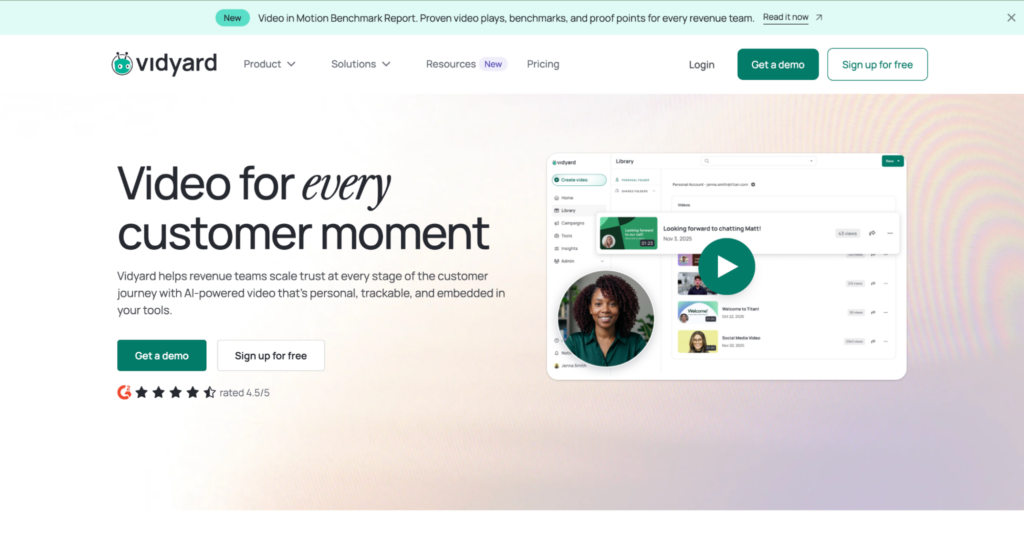
Vidyard records your screen and webcam together, so you can talk through a deck in your own voice with your face in the corner.

It’s built around sales outreach, with videos you can embed in emails or share through trackable links.
Its main draw for a pitch is viewer analytics, showing who opened the video and how long they stayed. Editing covers light fixes like trimming, so a changed slide usually means recording again.
Pricing: free plan, with paid plans from around $59 per user a month.
3. Loom
Best for: quick, personal walkthroughs of a deck.
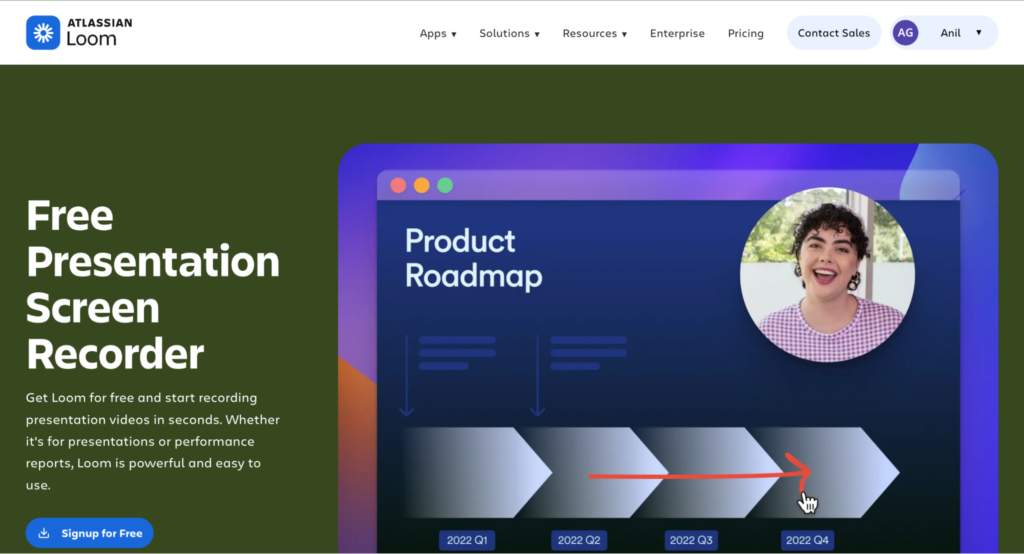
Loom is one of the fastest ways to record yourself presenting slides and share a link.

Viewers can comment and react, and transcripts are available in 50+ languages.
The free Starter plan caps recordings at five minutes and 25 videos per person, which suits short pitches.
AI features like filler-word removal sit on the higher Business + AI tier.
Pricing: free Starter plan, with Business at $18 per user a month billed monthly.
4. Pitch Avatar

Best for: interactive sales presentations with lead capture.
Pitch Avatar turns slides into narrated presentations led by an AI avatar.
Its chat-avatar can answer viewer questions, and it connects to CRMs such as HubSpot and Salesforce.
Analytics track views, completion and clicks, which suits decks sent to many prospects at once. Content can also be dubbed into 70+ languages.
Pricing: free plan, with paid tiers based on avatar minutes.
5. Colossyan

Best for: decks that double as sales training or enablement content.
Colossyan imports PPT and PDF files and turns them into avatar-led videos.
You can export an MP4 or a SCORM package for an LMS, which helps when the same deck also trains a client’s sales team.
Updates work like editing a document: change the text and regenerate. The entry plan includes 15 video minutes a month and 70+ avatars.
Pricing: free trial, with paid plans from $19 a month billed annually.
6. Elai.io

Best for: avatar-led walkthroughs that mix slides with a product demo.
Elai turns PPTX files, scripts or articles into narrated avatar videos.
It also includes screen recording, which is handy when a pitch needs a quick demo between slides.
Avatar Dialogs put two avatars on one slide for scenario-style content. Elai is now part of Panopto.
Pricing: Creator plan at $29 a month, or $23 billed yearly, for 15 minutes of video.
7. Canva
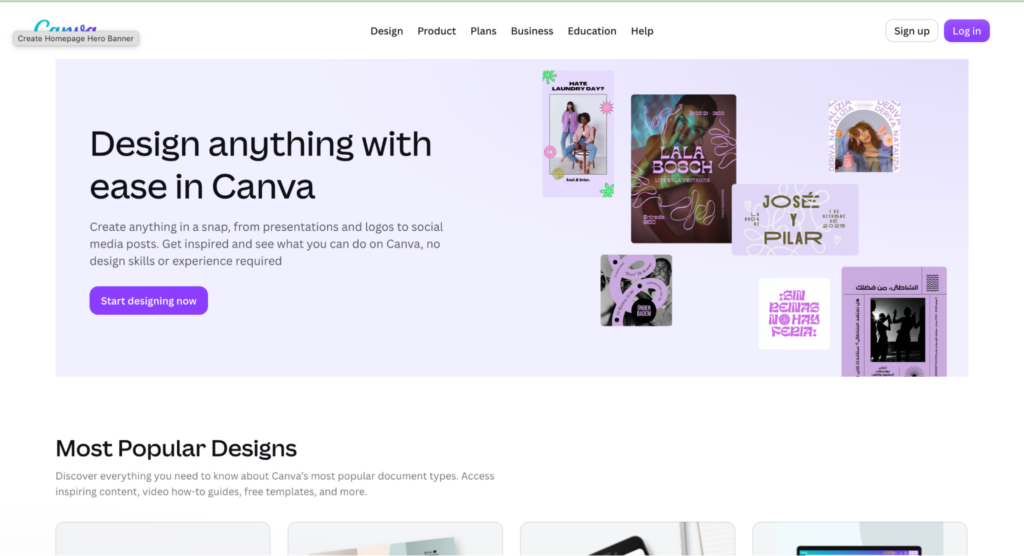
Best for: freelancers who already build their decks in Canva.
Canva lets you record yourself presenting and download presentations as MP4 files. It’s the easy option when the pitch was designed there in the first place.
The trade-off is that you’re working in Canva’s own format, so PowerPoint decks need importing and layouts can shift.
Narration can be your own recording, an uploaded audio file or an AI voiceover generated from text.
Pricing: free plan, with paid plans adding brand kits and premium assets.
8. SlideSpeak
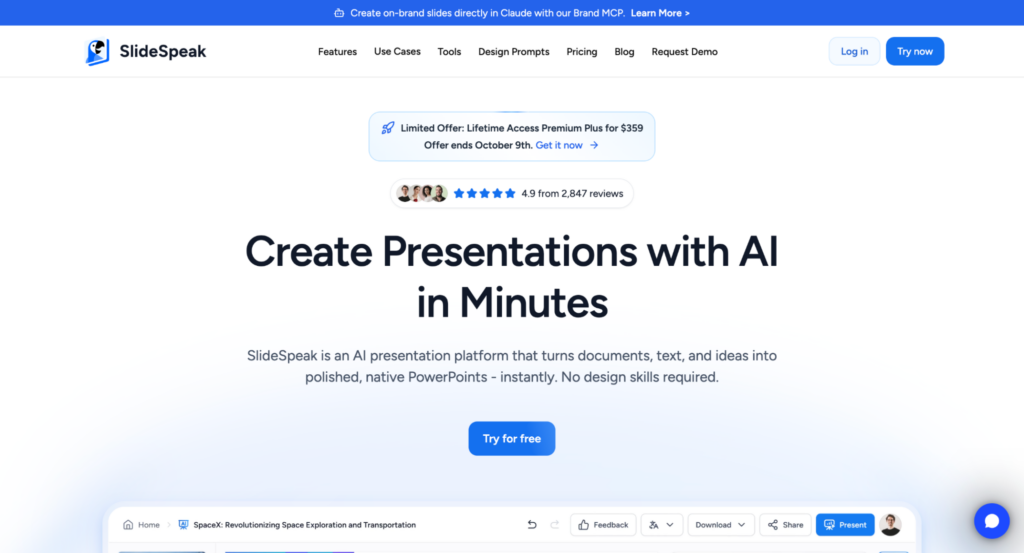
Best for: turning a deck into a narrated video with very little setup.
SlideSpeak narrates slides with AI voices and supports voice cloning, so the video can sound like you without a recording session.
It’s built around PowerPoint files, which suits consultants and freelancers who work in PPTX.
Its core product is AI deck creation, and video generation sits on the higher tiers. Check which plan includes it before you commit.
Pricing: free version available, with video on paid tiers.
9. PowerPoint’s Built-In Export

Best for: one-off videos where nothing will change.
PowerPoint can export a deck straight to MP4, with recorded narration and timings if you add them. Without timings, each slide shows for five seconds by default.
It costs nothing extra with a license and works offline. The result is a finished file, though, so any change means re-recording and exporting again.
Pricing: included with a PowerPoint or Microsoft 365 license.
Which Tool Fits Which Sales Job?
If you pitch in your own voice and want to know who watched, a recorder like Vidyard or Loom fits best. On a first outreach, the personal touch often matters more than polish.
If the deck gets reused across prospects or markets, an editable AI platform saves the most time.
You change a slide, regenerate and send instead of booking another recording session.
If the video is part of how you hand work over, treat it like any recurring deliverable in yourclient onboarding SOP.
Agree upfront who owns updates and which file counts as the editable source.
Before You Convert a Sales Deck
Trim each slide to one idea and cut dense text, since prospects won’t pause a pitch to read a paragraph.
Aim for a video that runs a few minutes at most.
Embed fonts and compress any embedded video before uploading. Missing fonts are the most common cause of layout shifts after import.
Check that your licenses cover the images, fonts and logos in the deck.
Before uploading client material, confirm confidentiality terms and the tool’s data handling policy.
For EU-facing pitches that use AI avatars or voices, check what Article 50 of the EU AI Act requires on labeling. Confirm the specifics with the client or their legal adviser.
The Bottom Line
The right tool depends on how often the deck changes.
A fixed MP4 is fine for a one-off pitch, while a deck you reuse across prospects needs to stay editable.
Whichever route you choose, test three or four representative slides before committing the whole deck.
That quick check shows how layouts, fonts and narration hold up.
FAQ
What is the best tool to convert a sales deck into a video?
For decks that change often or need other languages, an editable AI platform with automatic narration is the strongest choice.
For a personal pitch in your own voice, a screen recorder with viewer analytics works better.
Can I turn a sales deck into a video for free?
Yes. PowerPoint’s built-in export costs nothing extra with a license, and Loom, Vidyard and Canva all offer free plans with limits.
Do I need to record my own voice?
No. AI tools can generate narration from your speaker notes or slide content, and some support voice cloning.
Do animations carry over when you convert a deck?
PowerPoint’s own export renders them into the MP4. Many AI converters rebuild motion in their own editor, so plan to add it back during editing.
How long should a sales deck video be?
Short enough to watch between meetings, usually a few minutes. Cut any slide that doesn’t move the prospect toward a reply.
Keep the conversation going...
Over 10,000 of us are having daily conversations over in our free Facebook group and we'd love to see you there. Join us!